Are you accidentally polluting your conversion data?
How to give Google Ads cleaner feedback about lead quality.
Published October 2025. Last updated July 2026.
If you accept WhatsApp orders on your e-commerce site, you face two problems:
When you know where every order came from, you can spend more on the ads that give you the best ROAS. And when you track all orders as conversions, Google’s bidding algorithm works much better.
But right now, no e-commerce platform offers WhatsApp order tracking.
I helped an e-commerce store owner fix this recently. His site runs on WooCommerce, but the same method works on Shopify, Magento, and other platforms.
We used Convertista to capture the source of each order. Here’s an example of the data it collects:
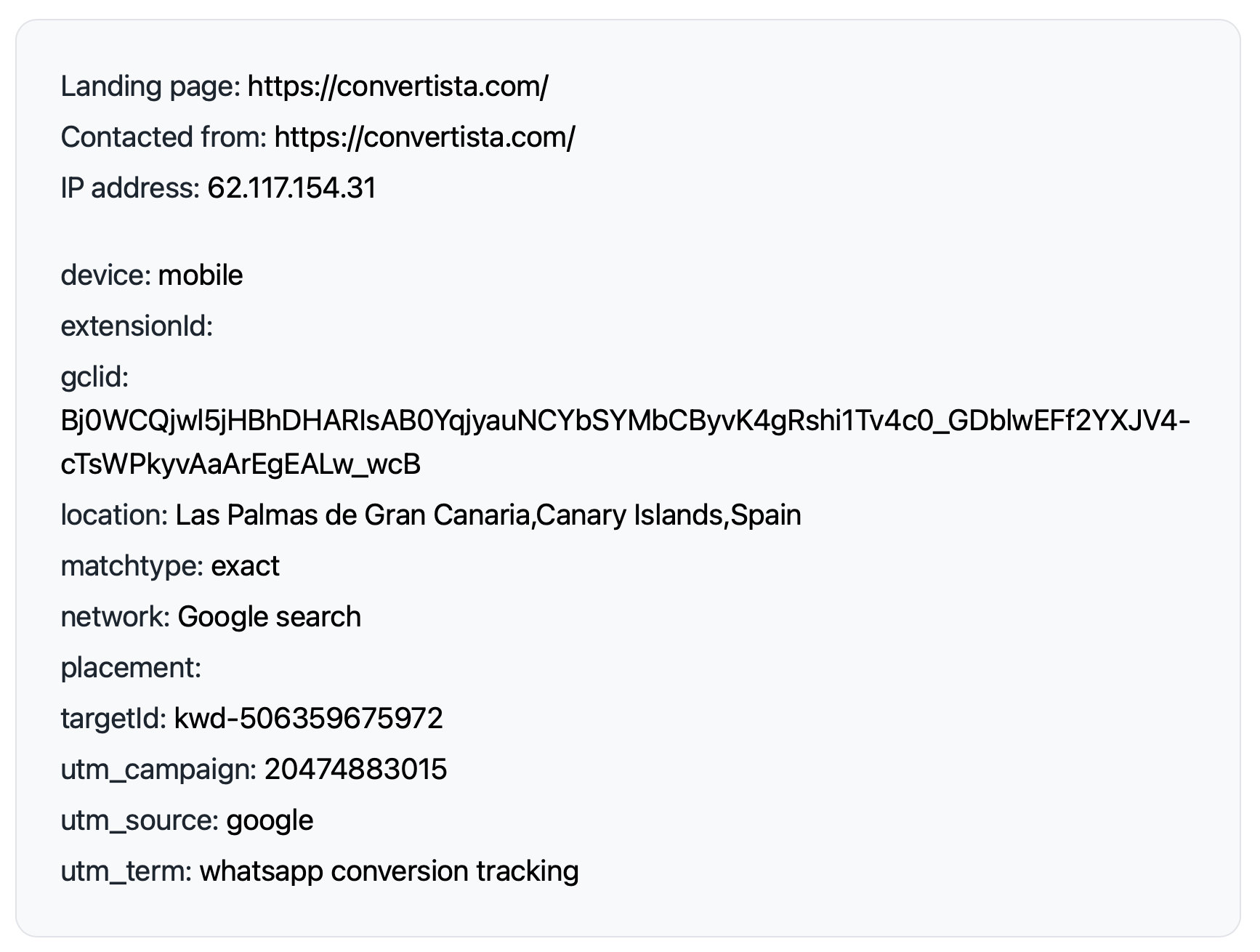
Once the order is placed, we record the value in Convertista. It’s then uploaded automatically as a conversion in Google Ads.
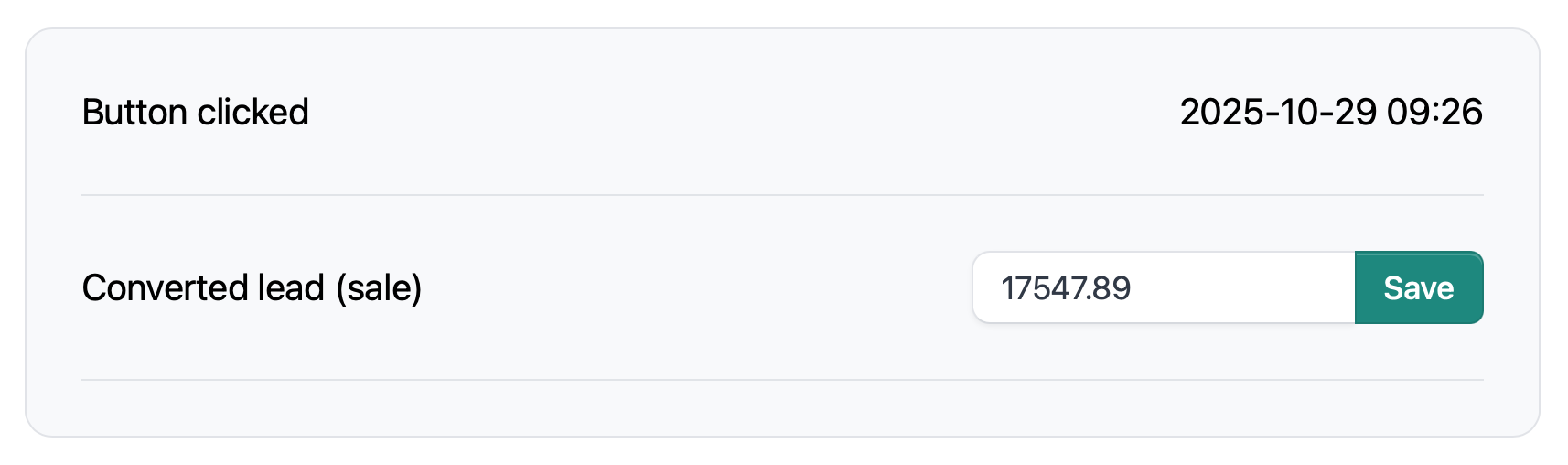
For shops doing only a few WhatsApp sales per day, entering order values like this is the easiest way. But there’s also an API for sites that get a high volume of WhatsApp orders.
If you’re paying too much for Google Ads because you’re missing conversions, this might help you. It usually takes about 15 minutes to set up, and after that, you’ll be tracking all your WhatsApp orders. Convertista is here.

How to give Google Ads cleaner feedback about lead quality.
I send conversion data more slowly in exchange for data that's permanent, auditable and recoverable.
Connect Pipedrive to Google Ads and fix the offline conversion gap automatically, in about 30 minutes.
Tag-based tracking only tells Google what the browser saw. Conversion tracking must be right, reliable and auditable.
Contact Form 7 is one of the most popular form plugins for WordPress. But, if you're running Google Ads, there is a problem. Contact Form 7 can tell you that somebody submitted a form. It can't tell Google Ads if that person became a customer.
Here's the complete guide to tracking WhatsApp conversions from click to sale.
Thoughts and lessons on client selection, burnout, pricing, and modernising legacy accounts, from someone who's run a Google Ads for years.
Understand what happens after someone clicks your advert. Subjects include offline conversions, CRM integration, attribution, auditability and marketing instrumentation.
Articles about marketing, engineering, AI and problem solving that don't fit neatly into the other topics. These are some of the ideas and experiences that have shaped how I think.
How to choose the right Google Ads agency, set them up to succeed, judge their work fairly, and build a relationship that delivers better business results.
Learn how to use Google Ads to generate profitable leads. Subjects include campaign strategy, bidding, targeting, optimisation and the challenges of running lead generation campaigns.
Understand why some leads become customers while others don't. Subjects include diagnosing poor leads, qualification, filtering junk leads and improving the feedback you send to Google Ads.
Things I've learned about high-converting landing pages. Subjects include copywriting, page structure, forms, trust, conversion rate optimisation and user experience.
What happens after a lead has been generated determines if Google Ads is profitable. Subjects include first contact, follow-up, quoting, lead nurturing and turning more enquiries into customers.